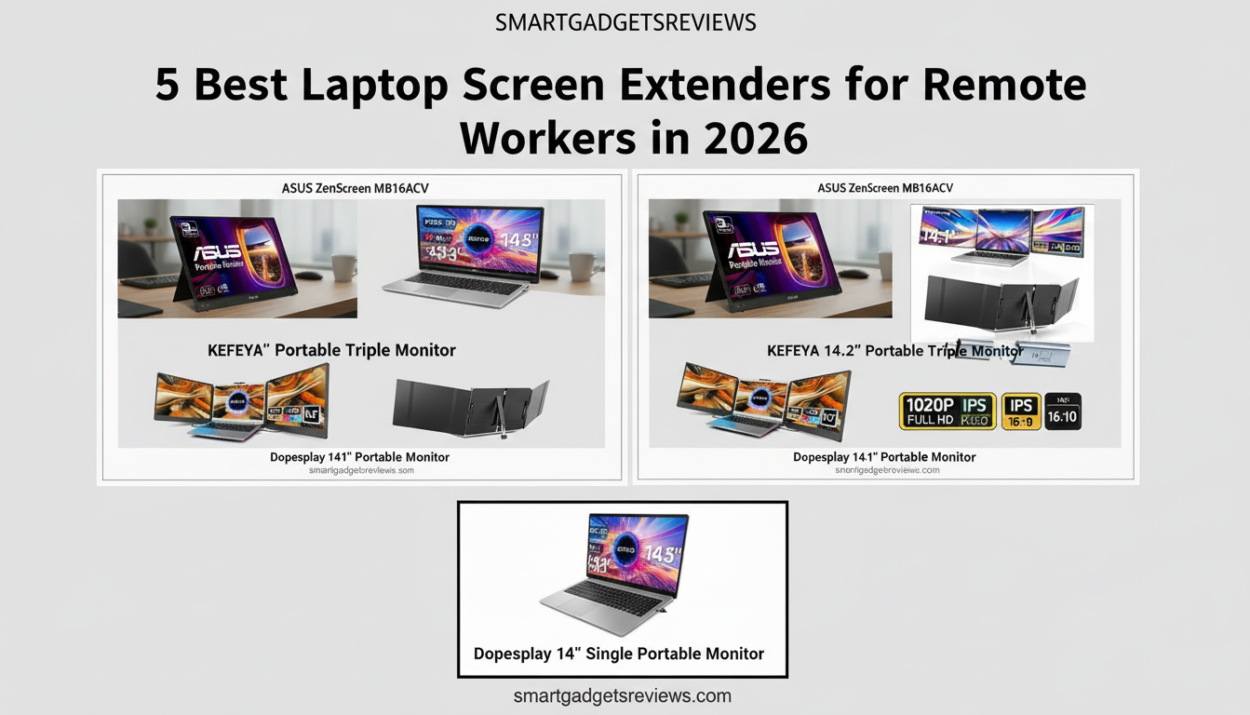
Discover the best laptop screen extenders for remote workers in 2026. Compare portable dual and triple monitors to boost productivity anywhere.
What Is a Laptop Screen Extender?
A laptop screen extender is a portable display that connects to a laptop to add one or more extra screens. These devices allow users to create a dual-screen or triple-screen setup, making it easier to multitask while working remotely.
Most modern screen extenders connect using USB-C or HDMI and are designed to be lightweight so they can travel with a laptop.
Are Laptop Screen Extenders Worth It?
Yes, laptop screen extenders are worth it for people who multitask frequently. They allow users to run multiple applications simultaneously, reducing the need to switch between tabs. Many remote workers report higher productivity and improved workflow organization when using multiple screens.
Remote work has permanently changed how professionals use their laptops. While laptops have become thinner and more powerful, the limited screen space still slows down productivity. If you’ve ever tried to manage email, Slack, spreadsheets, and a Zoom meeting all on one screen, you already know the struggle.
Laptop screen extenders solve this problem by adding portable secondary displays that attach directly to your laptop. In seconds, your laptop can turn into a dual-screen or even triple-screen workstation that dramatically improves multitasking.
In this guide, we’ll explore the best laptop screen extenders for remote workers in 2026, compare their features, and explain how to choose the right one for your workflow.
Why Remote Workers Are Using Laptop Screen Extenders
Over the past few years, screen extenders have become one of the most popular accessories for digital professionals. Unlike traditional external monitors, these devices are designed to be portable, lightweight, and travel-friendly.
Here are a few reasons remote workers rely on them:
1. Increased productivity
Multiple screens allow you to work on several tasks simultaneously without constantly switching tabs.
2. Better video meetings
You can keep your meeting window open on one screen while referencing notes or documents on another.
3. Ideal for digital nomads
Portable extenders fold up and fit inside a laptop bag, making them perfect for working from cafés, hotels, or co-working spaces.
4. Cleaner workflow
Separate screens help organize work—for example:
- Emails on one screen
- Data analysis on another
- Messaging apps on the third
For developers, analysts, writers, and designers, this workflow can save hours every week.
Quick Comparison: Best Laptop Screen Extenders in 2026
| Product | Screen Size | Type | Best For |
|---|---|---|---|
| Dopesplay Triple Monitor | 14.1″ x2 | Triple extender | Overall productivity |
| KEFEYA Triple Monitor | 14.2″ x2 | Triple extender | Budget option |
| ASUS ZenScreen MB16ACV | 15.6″ | Portable monitor | Creative work |
| Dopesplay 14″ Extender | 14″ | Dual extender | Lightweight travel |
| VEVOR Triple Monitor | 15.6″ x2 | Triple extender | Power users |
1. Dopesplay 14.1″ Triple Portable Monitor
Best Overall Laptop Screen Extender
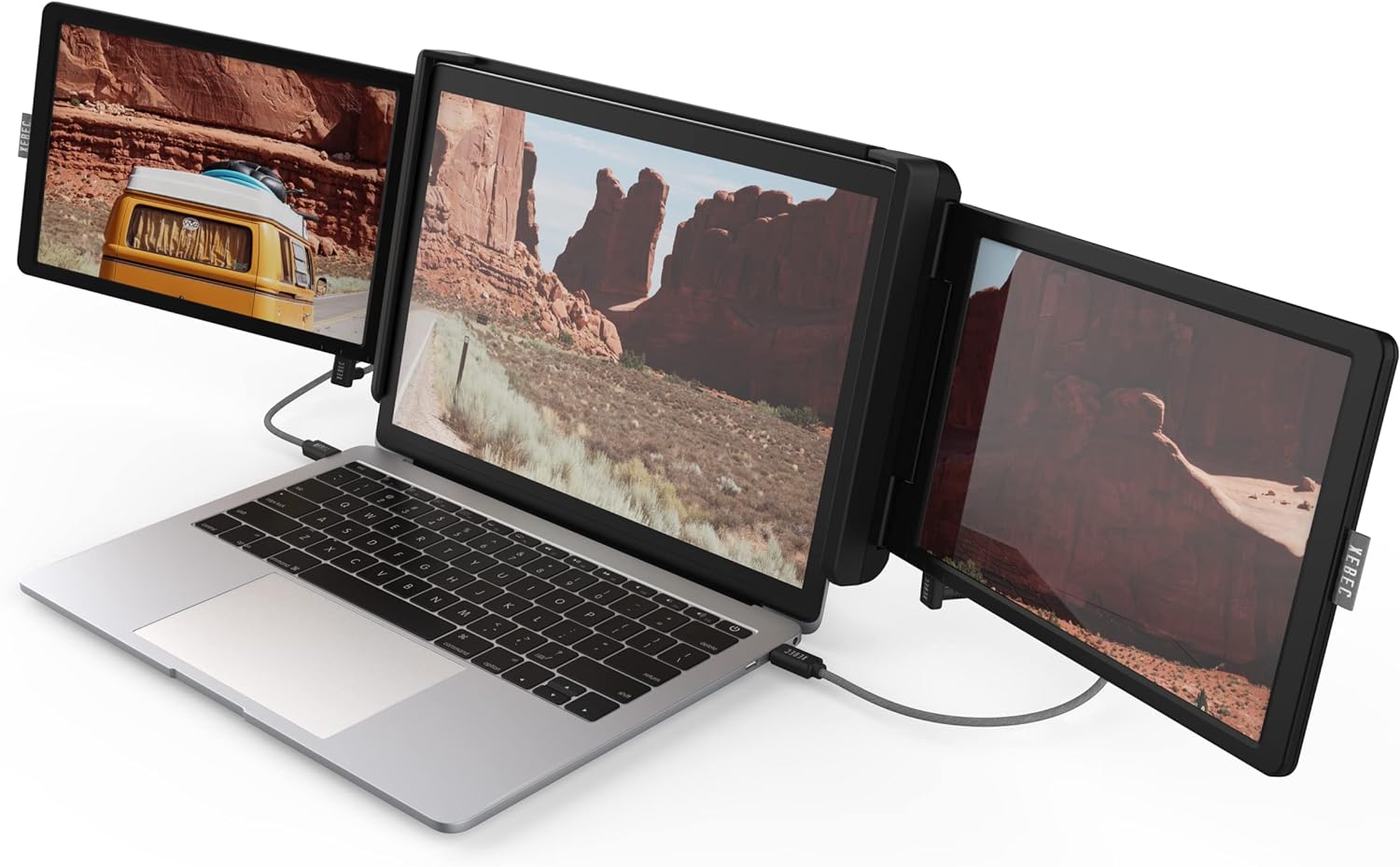
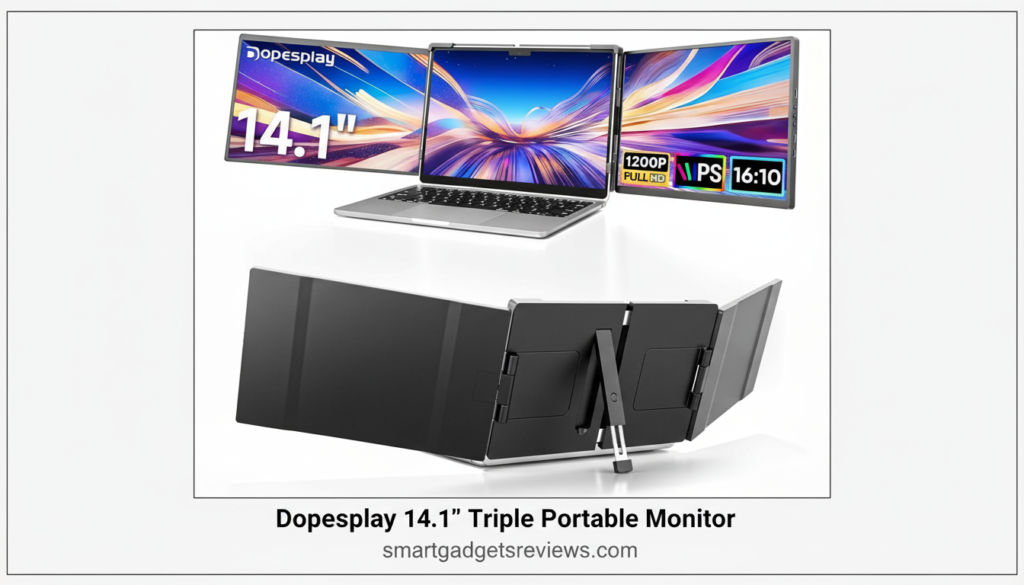
The Dopesplay Triple Portable Monitor is widely considered one of the most practical screen extenders available today. It features two foldable displays that attach to the sides of your laptop, instantly creating a triple-screen workstation.
For remote workers who constantly juggle multiple tools, this kind of setup can transform the way they work.
Key Features
- Two 14.1-inch Full HD screens
- IPS display panels with wide viewing angles
- 1920 × 1200 resolution
- USB-C and HDMI connectivity
- Compatible with 13–17 inch laptops
Why It Works Well for Remote Workers
The triple-screen layout makes it easy to organize tasks. For example:
- Left screen: messaging apps
- Center screen: main work
- Right screen: reference material
The folding design also means the screens collapse neatly behind the laptop for travel.
Pros
- True triple-screen experience
- Good brightness and color
- Easy plug-and-play setup
Cons
- Slightly heavier than single portable monitors
2. KEFEYA 14.2″ Portable Triple Monitor
Best Budget Screen Extender
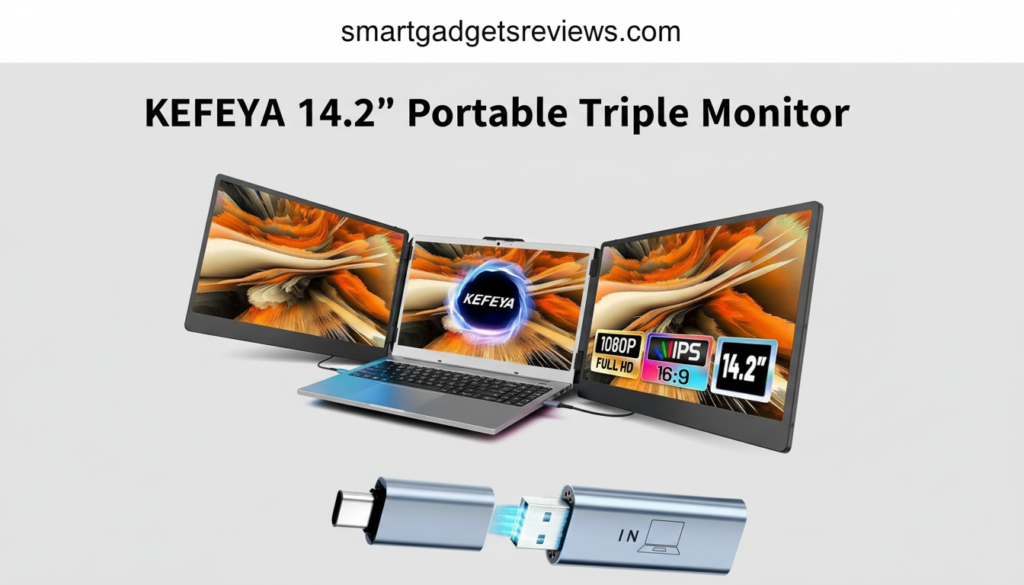
If you want the benefits of a triple-screen setup without spending a fortune, the KEFEYA portable extender is a solid choice.
This model delivers many of the same features as higher-end extenders but at a lower price point, making it popular with freelancers and remote startups.
Key Features
- Dual 14.2-inch displays
- Foldable attachment frame
- Full HD resolution
- Multiple viewing modes
- Compatible with Windows and macOS laptops
Why It’s a Great Budget Option
The KEFEYA extender provides the same productivity benefits as premium models but focuses on simplicity and affordability.
It’s especially useful for remote workers who primarily need extra screens for:
- spreadsheets
- research
- writing
- communication tools
Pros
- Affordable
- Simple setup
- Good screen clarity
Cons
- Build quality is slightly less premium
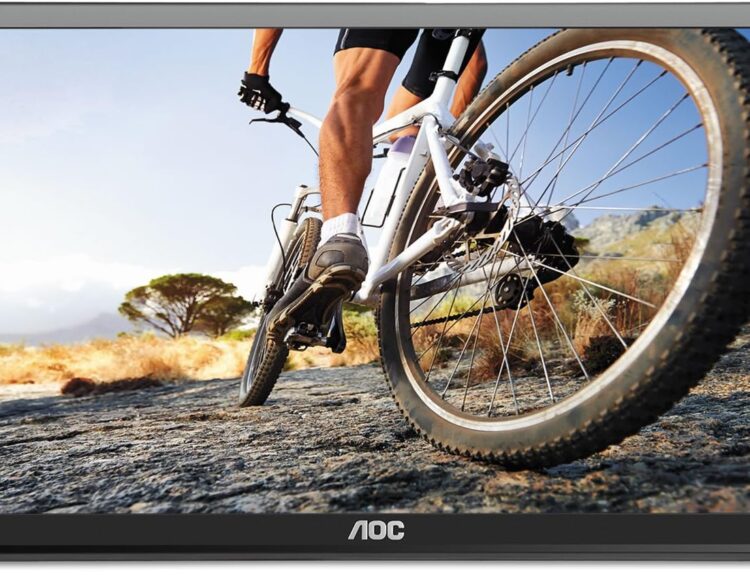
3. ASUS ZenScreen MB16ACV
Best Premium Portable Monitor
While many extenders attach directly to laptops, portable monitors offer a different approach: a separate lightweight display that connects via USB-C.
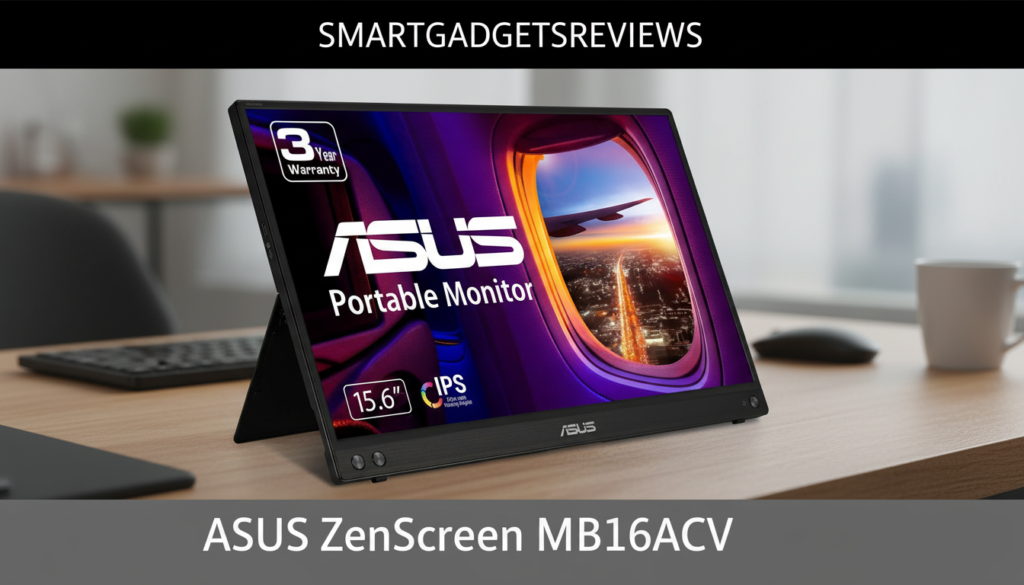
The ASUS ZenScreen is one of the most respected portable monitors available, especially for professionals who need accurate colors and a larger screen.
Key Features
- 15.6-inch Full HD display
- Anti-glare panel
- Ultra-slim design
- USB-C single-cable connection
- Smart protective case that doubles as a stand
Best For
This monitor works particularly well for:
- designers
- photographers
- video editors
- content creators
The larger screen size also makes it comfortable for long work sessions.
Pros
- Excellent display quality
- Very lightweight
- Trusted brand reliability
Cons
- Requires desk space since it doesn’t attach to the laptop
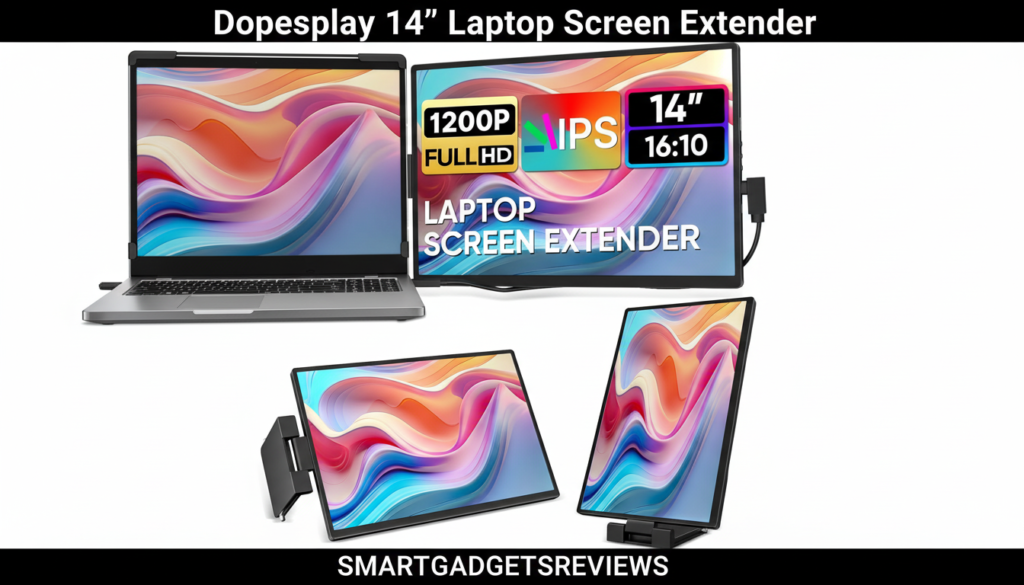
4. Dopesplay 14″ Laptop Screen Extender
Best Lightweight Dual Screen Extender
Not every remote worker needs three displays. For many people, one extra screen is enough to significantly improve productivity.
This Dopesplay dual extender is compact, simple, and easy to carry.
Key Features
- 14-inch Full HD IPS display
- Foldable mounting bracket
- USB-C and HDMI support
- Compatible with most modern laptops
Why Remote Workers Like It
It’s perfect for simple multitasking such as:
- writing while referencing research
- managing email while attending meetings
- coding while viewing documentation
Because it’s lighter than most triple extenders, it’s also great for frequent travelers.
Pros
- Portable and lightweight
- Quick installation
- Affordable
Cons
- Only one additional screen
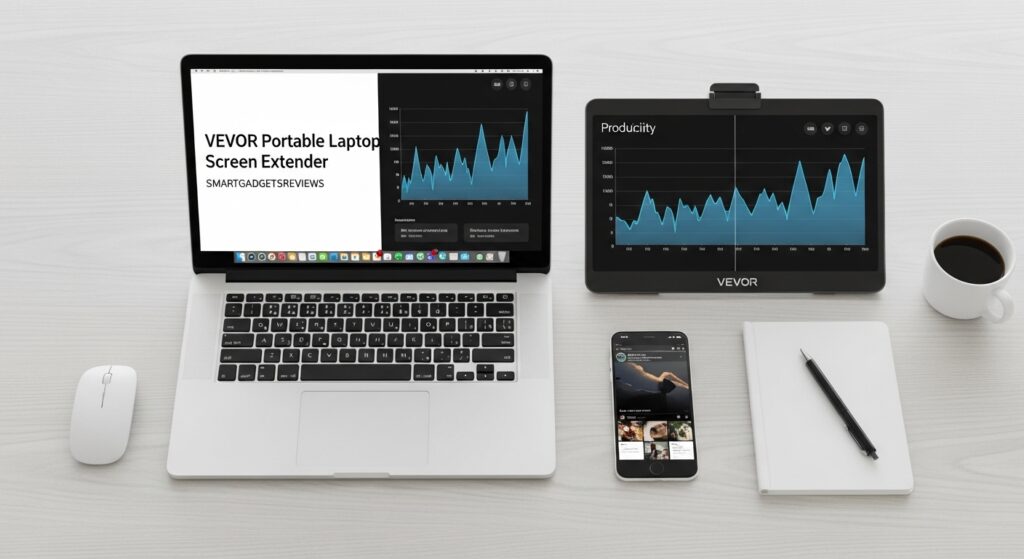
5. VEVOR Portable Laptop Screen Extender
Best Triple Monitor for Power Users
The VEVOR triple screen extender is built for professionals who need as much screen space as possible.
With two large displays and adjustable viewing angles, it creates a setup similar to a desktop workstation.
Key Features
- Dual 15.6-inch Full HD displays
- Wide viewing angles
- Adjustable positioning
- Durable aluminum frame
- Compatible with Windows and macOS
Ideal Use Cases
This model works well for professionals who rely heavily on multitasking, including:
- stock traders
- software developers
- project managers
- analysts
Pros
- Large screen area
- Durable construction
- High productivity potential
Cons
- Bulkier than smaller extenders
How to Choose the Best Laptop Screen Extender
Before buying a screen extender, it’s worth considering a few important factors.
1. Screen Size
Most portable displays fall between 13 and 16 inches.
Smaller screens are easier to carry, while larger screens are more comfortable for long work sessions.
2. Connectivity
Modern extenders typically support:
- USB-C
- HDMI
- Thunderbolt
USB-C with DisplayPort Alt Mode is usually the easiest option because one cable can handle both power and video.
3. Laptop Compatibility
Not all laptops support multiple external displays.
Before purchasing an extender, make sure your laptop supports:
- USB-C display output
- multiple monitors
- sufficient power delivery
4. Portability
If you travel often, consider:
- weight
- folding design
- included carrying case
A lightweight extender can make a big difference when commuting or flying.
Who Should Buy a Laptop Screen Extender?
Laptop screen extenders are useful for many remote professionals, including:
- remote employees
- freelancers
- programmers
- marketers
- online teachers
- digital nomads
Anyone who works with multiple applications simultaneously can benefit from additional screen space.
Tips for Using a Laptop Screen Extender While Traveling
Remote workers who travel frequently should choose a screen extender that balances portability and durability.
Some useful tips include:
- Use a padded laptop sleeve to protect the screens
- Choose USB-C models for fewer cables
- Adjust brightness to conserve laptop battery
- Use a laptop stand for better ergonomics
These small adjustments make portable multi-monitor setups much easier to use on the go.
Final Thoughts
Laptop screen extenders have quickly become one of the most valuable productivity tools for remote workers.
Instead of struggling with one cramped laptop screen, you can instantly create a portable multi-monitor workstation wherever you work.
Best Picks for 2026
Best Overall: Dopesplay Triple Portable Monitor
Best Budget: KEFEYA Triple Monitor
Best Premium Display: ASUS ZenScreen
Best Lightweight Option: Dopesplay Dual Extender
Best for Power Users: VEVOR Triple Monitor
FAQ
Are laptop screen extenders compatible with all laptops?
Most modern laptops support screen extenders through USB-C or HDMI. However, some older laptops may require additional adapters or drivers.
Can you use a screen extender with a MacBook?
Yes. Many portable monitors work with MacBooks using USB-C or Thunderbolt connections. Compatibility depends on the specific monitor and MacBook model.
Do laptop screen extenders reduce laptop performance?
No. Screen extenders mainly use the laptop’s graphics output. Performance impact is usually minimal unless running very demanding applications.
Are portable monitors good for travel?
Yes. Many models weigh less than 2 pounds and fold flat, making them ideal for remote workers and digital nomads.
With the right extender, your laptop can function more like a full desktop setup—without sacrificing portability. You can get more and detail information on other laptop screen extenders on our blog page.